Shopify Welcome Email Series: 4 Emails to a First Order
A 4-email welcome series for Shopify and WooCommerce stores: who gets it, what each email says, whether to offer a discount, and when to stop.
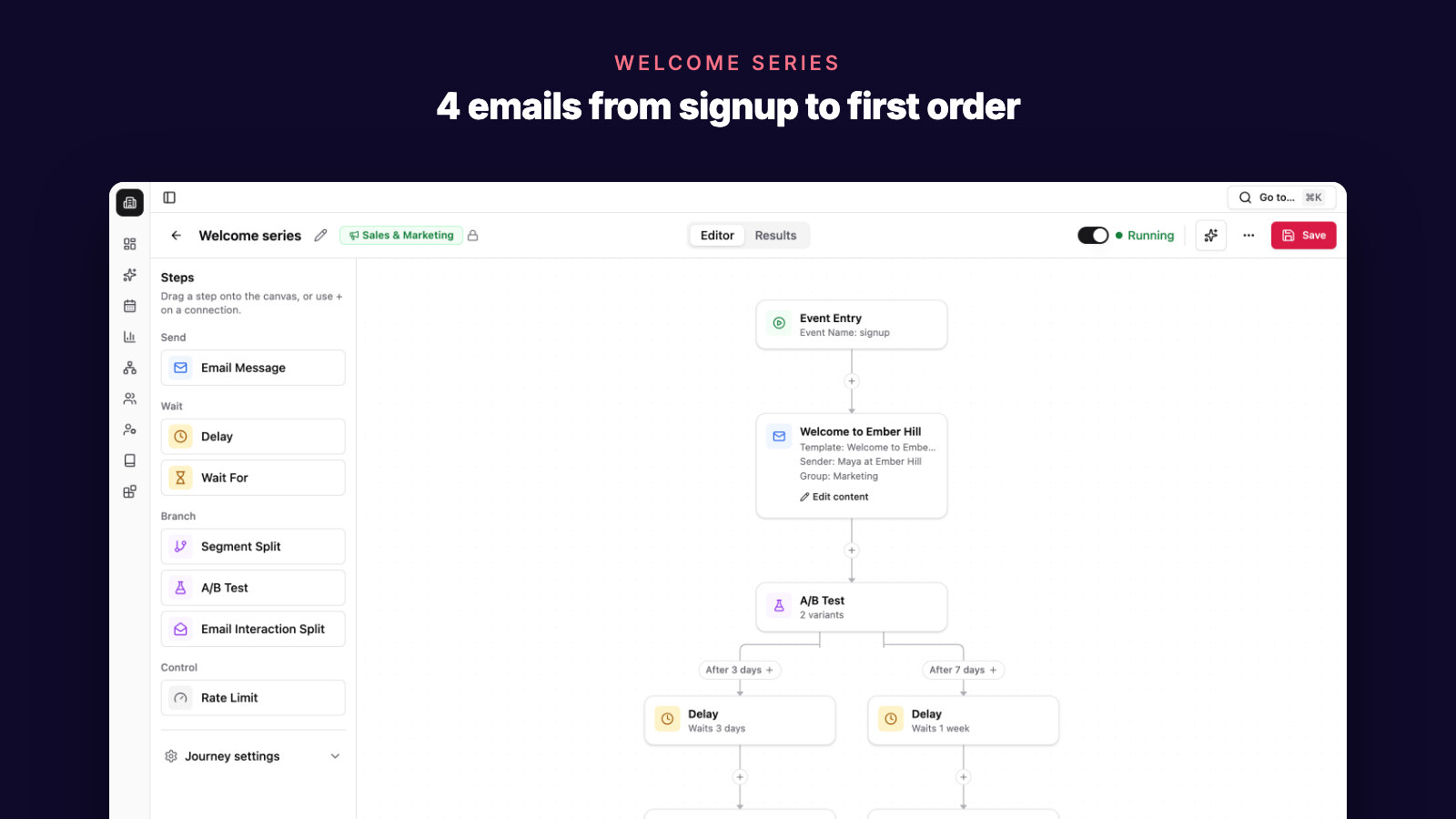
Someone just typed their email address into your signup form. Maybe they wanted the 10% code. Maybe they liked a product but weren't ready to buy. Either way, they asked to hear from you, and they haven't ordered yet.
If new subscribers get one "thanks for subscribing" email from you, or nothing until the next newsletter, this guide is for you.
A welcome email series is a short run of automated emails that introduces your store and helps a new subscriber place a first order. That first order matters more than it looks: it is where customer lifetime value starts. Every repeat purchase needs a first one.
Below is a four-email welcome series for a Shopify or WooCommerce store: who should get it, what each email says, whether to offer a discount, when it stops, and how to tell if it works.
Quick answer
Set up your Shopify welcome email series as four emails over one week, sent to new subscribers who haven't ordered. Stop the series as soon as someone orders.
| When | Job | Button | |
|---|---|---|---|
| 1. Welcome | Right after signup | Deliver what your form promised and show what you sell | Shop best sellers |
| 2. Your story | Day 2 | Explain why the store exists and what makes it different | Shop the product |
| 3. Help them choose | Day 4 | Answer buying questions and point to the right product | Find your product |
| 4. Reminder | Day 7 | Remind them of the offer or your most popular product | Use your code |
Two rules make it work:
- Who enters: people subscribed to email marketing who have no orders.
- Who leaves: anyone who places a first order. They move to your post-purchase emails.
Treat the timing as a starting point. Adjust it once you see when your subscribers actually buy.
Who should get your welcome series?
The series is for people who asked for marketing email and haven't bought yet. Get this rule right before you write a single email.
Where Shopify subscribers come from
Shopify's built-in ways to collect subscribers include a newsletter signup section on your online store, inline or popup forms from the Shopify Forms app, and the marketing checkbox, which you can show at checkout, at sign-in, or both.
Shopify also lets you preselect that checkbox for customers in regions you choose, so they have to untick it to opt out. Whether a preselected box counts as consent where your customers live is a legal question, not a store setting. Check before you turn it on.
Double opt-in adds a confirmation step: the new subscriber clicks a link in an email to confirm. Shopify notes that double opt-in is required by law in some countries and is a good way to get more engaged subscribers. The trade-off is a list that grows more slowly, because some people never click the link. You turn it on under Settings > Notifications > Customer notifications: in the "Marketing double opt-in" section, select "Customer marketing confirmation".
If you use double opt-in, start the welcome series when the subscriber confirms, not when they first type their address. Keep the code out of the confirmation email itself: Shopify says that email should not contain any marketing, for legal reasons. Send the code in email 1.
Leave out people who just bought
Some people subscribe by ticking the checkbox at checkout. They have just placed an order. A "welcome, here's 10% off your first order" email lands badly a few minutes after they paid.
Shopify's own Flow welcome templates exclude customers who subscribed at checkout for exactly this reason. Do the same: anyone with an order gets your post-purchase emails instead.
The same goes for past customers who subscribe later. They already know your store, so skip the first-order offer.
WooCommerce stores
On WooCommerce, check how your signup form or checkout records marketing opt-in before you connect it to a welcome series. Send the series only to people who agreed to marketing email.
What should each welcome email say?
Each email has one job and one main button. Keep them short: a new subscriber is curious, not committed.

Email 1, right after signup: deliver the promise
Send it as soon as someone subscribes. They just asked to hear from you, and if your form promised a code, they are waiting for it.
Include:
- What your form promised (the code, the guide, the free shipping offer), near the top.
- One or two sentences on what you sell and who it's for.
- Two or three best sellers with photos and prices.
- One button to shop the best sellers.
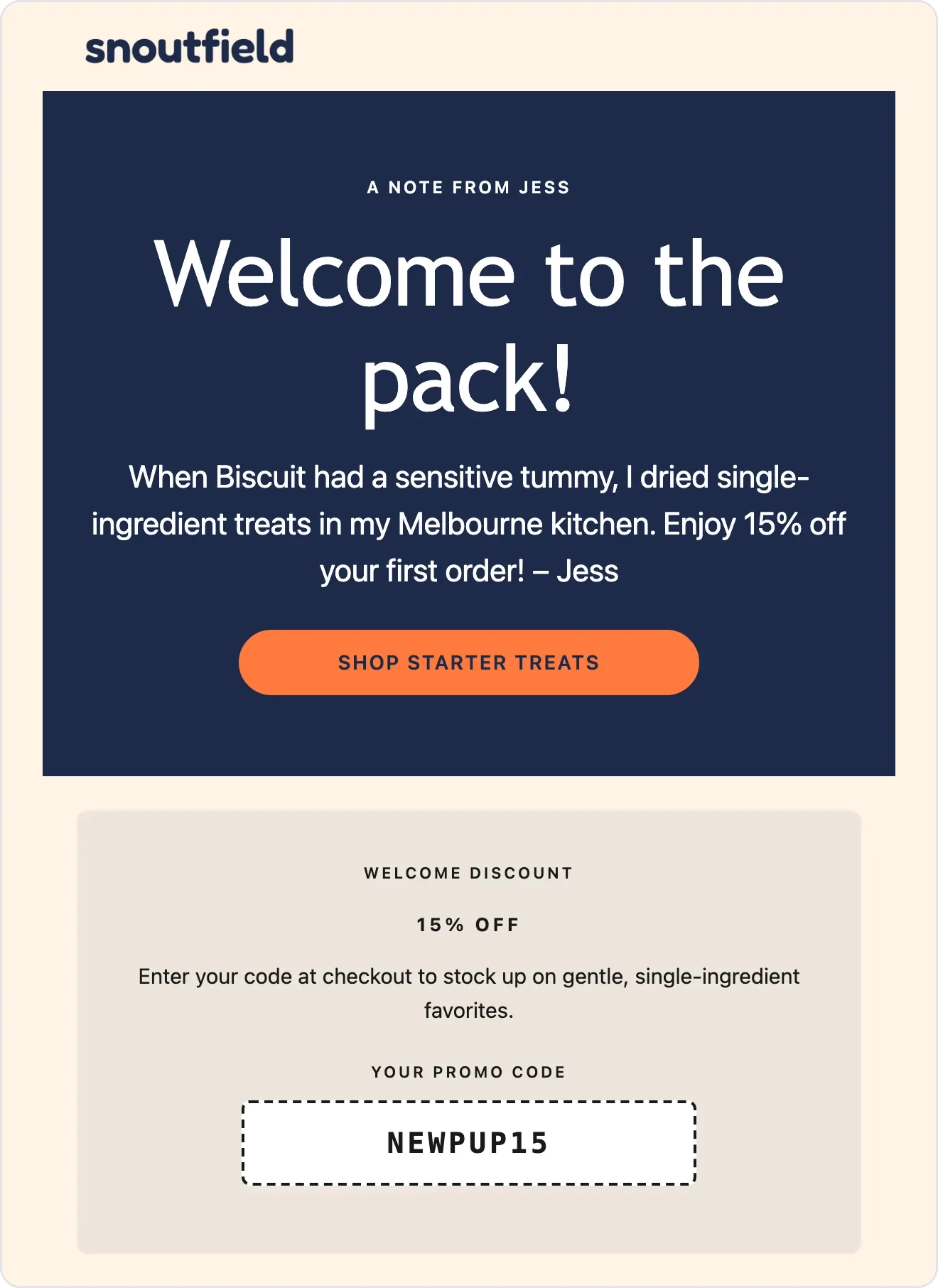
Email 1 from Snoutfield, a demo store, drafted by SegmentFlow's Email AI for the founder to review. The promised code sits right under a two-line note from the founder, and two starter products with prices follow it.
Email 2, day 2: why your store exists
As a small store, your story is something a big brand can't copy. Tell the subscriber why you started, how the product is made or chosen, and what you care about. A few short paragraphs and one photo of you or your workspace are enough.
The button goes to the product the story is about. If you offered a code, one reminder at the bottom is plenty.
Email 3, day 4: help them choose
If they haven't bought by now, there may be a question in the way. Which one is right for me? What if it doesn't fit? When will it arrive?
Answer those questions:
- Group your best sellers by need ("for sensitive skin", "if you're new to this").
- Summarize shipping, returns, and sizing in one sentence each, with a link to the full page.
- Add customer reviews if you have real ones. Never write them yourself.
The button goes to the product guide or the collection that answers "which one?".
Email 4, day 7: the reminder
The last email reminds them what's waiting. If their code has a real end date, say when it expires. If you didn't offer a discount, feature your most popular product and say in one line why customers come back for it.
After email 4, the welcome series ends. Subscribers who still haven't bought move to your regular newsletter.
Shopify's own "Welcome new subscribers with a discount series" template uses the same shape: a discount email when someone subscribes through a form on your store, two brand-building emails, and a discount reminder if no purchase is made.
Should you offer a first-order discount?
You don't have to. A discount gives a new subscriber a reason to try you now. It also costs margin on every first order, and it can teach customers to wait for a code.
| Offer | Works well when | Watch out for |
|---|---|---|
| Percentage off | Your prices vary a lot | It costs more on large orders |
| Fixed amount off | Most first orders are a similar size | It takes a bigger share of small orders |
| Free shipping | Shipping cost is what stops people | What shipping actually costs you per order |
| A small gift | You have a low-cost item people like | Stock and packing time |
| No discount | Your margins are thin | Emails 2 and 3 have to carry the series |
Do the margin math first. Here is example arithmetic with made-up numbers: if your average first order is $40 and your gross margin is 60%, each order leaves you $24 before marketing costs. A 15% code costs $6 of that, a quarter of your margin.
If you offer a code in Shopify, limit it to one use per customer under "Maximum discount uses" (Shopify's discount FAQ). An end date, set in the Active dates section, applies to the whole code. So a single shared code ends on the same day for everyone, whenever they subscribed. On WooCommerce, the matching coupon settings are "Usage limit per user" and an optional coupon expiry date.
If you want each subscriber's code to expire 10 days after signup, you need a unique code per subscriber. Check whether your email tool can create them. If it can't, skip the deadline rather than invent one.
Whatever your signup form promises, email 1 has to deliver it.
When should the welcome series stop?
A series that keeps offering a first-order discount to someone who just ordered looks careless. Set three exits:
- A first order. Stop the series as soon as an order comes in. The customer now needs order updates and post-purchase emails. The 30-day plan for your first 100 customers covers what to send next.
- An unsubscribe. Stop all marketing email to that person. Your email tool should do this automatically; confirm that it does.
- The end of the series. After email 4, move the subscriber to your regular newsletter. If you're unsure how often to send it, read our guide to ecommerce email frequency.
Tools handle the first exit differently. Shopify's discount series template, for example, checks for a purchase before it sends the discount reminder. Whatever you use, test it before you switch the series on: subscribe with a test address, place a test order, and confirm the remaining emails stop.
How do you know your welcome series is working?
The outcome you want is a first order, so measure orders, not opens. Track these for each month's new subscribers:
- First-order rate: subscribers who placed a first order within 14 days (and within 30 days) of signing up, divided by the subscribers who entered the series that month. Count once the window has closed for everyone who joined that month.
- Days to first order: how long buyers took. This tells you whether your timing fits.
- Code use: how many first orders used the welcome code. This shows what the offer costs you. To learn whether you need it, test a smaller offer, or none, for a month.
- Unsubscribes and spam complaints per email: a spike on one email is a sign to look at its timing and content first.
Revenue attributed to the series is worth tracking too, but know the rule behind the number. Tools credit orders to emails differently. Shopify's email analytics, for example, use last non-direct click attribution by default. Attributed revenue is a reporting rule, not proof that the email alone caused the order. Report from one tool's email revenue attribution every month, so months stay comparable.
Compare each month with your own previous months, not with industry averages. Change one email at a time, so you know what made the difference.
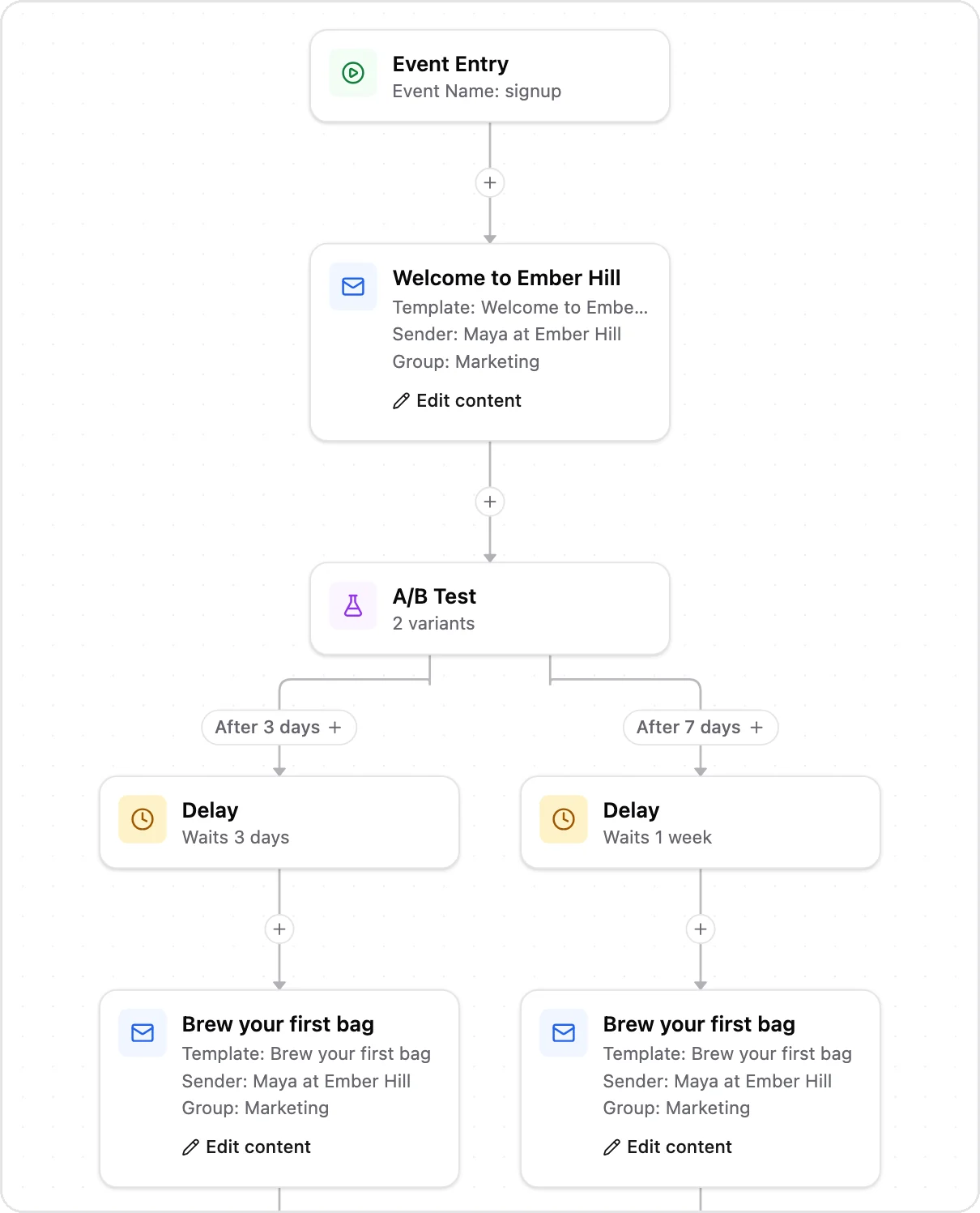
A demo store's welcome series in SegmentFlow. It tests the timing of the next email by splitting new subscribers between a 3-day and a 7-day wait.
Example: a fictional tea store's welcome series
Juniper Leaf is a fictional Shopify store that sells loose-leaf tea, run by one founder, Ana. It is a teaching example, not a SegmentFlow customer.
The store's footer signup form promises 10% off the first order. Until now, new subscribers got one automatic "thanks for subscribing" email. Here is the new series:
| When | Subject line | What it says | Button | |
|---|---|---|---|---|
| 1 | Right after signup | Your 10% code is inside | The code WELCOME10, plus three best sellers: a black tea, a green tea, a sampler | Shop best sellers |
| 2 | Day 2 | Why I started Juniper Leaf | Ana's story of buying from small farms, with one photo of the packing table | Shop the sampler |
| 3 | Day 4 | Not sure which tea to try? | Three teas by taste (strong, light, caffeine-free), brewing basics, shipping and returns in one line each | Find your tea |
| 4 | Day 7 | Your 10% code still works | A short reminder and the most-ordered sampler | Use your code |
WELCOME10 is one shared code, limited to one use per customer, with no end date. So email 4 doesn't invent a deadline.
The rules:
- Subscribers with no orders enter. People who subscribe at checkout skip the series.
- Anyone who orders leaves the series and gets the post-purchase emails.
- After email 4, everyone left moves to the monthly newsletter.
At the end of April, once every March subscriber has had 30 days, Ana counts. Illustrative arithmetic, not a benchmark: if 120 people entered the series in March and 14 of them ordered within 30 days of signing up, March's 30-day first-order rate is 14 ÷ 120, about 12%.
That number means little on its own. A month later, Ana compares April's subscribers with March's, using the same 30-day window, and checks unsubscribes per email. If one email loses noticeably more subscribers than the others, that is the one to rewrite.
FAQ
How many emails should a welcome series have?
Three to five is a common range. Shopify's own discount series template has up to four: a discount email, two brand-building emails, and a reminder if there's no purchase. Start with four, and cut an email if it draws far more unsubscribes than the others or nobody clicks it.
Should every welcome series include a discount code?
No. If your signup form promised one, email 1 has to deliver it. If it didn't, a series built on your story and buying help is a fair test. Run it for a month, then compare the first-order rate with a month that had a discount.
Should I send the series to people who subscribed before I set it up?
Not the whole series. People who subscribed months ago and never bought aren't new, and a "welcome" email would read oddly. Send them one short email that says who you are and shows your best sellers, then keep them on your regular newsletter. Start the welcome series for people who subscribe from today.
What if my signup popup comes from a third-party app?
Check that the app passes each subscriber, and their consent, to the tool that sends your welcome series. Shopify Flow's "Customer subscribed to email marketing" trigger, for example, doesn't work with subscriptions from third-party forms. Before you rely on the popup, sign up through it with a test address and check that email 1 arrives.
Is a welcome email a marketing email or a transactional email?
Marketing. A welcome email that shows products or offers a discount is commercial. In the US, the FTC's CAN-SPAM guide classifies an email by its primary purpose. Commercial email must explain clearly how to opt out and include your valid physical postal address, and opt-out requests must be honored within 10 business days. Rules elsewhere can be stricter, so confirm what applies to your store and your subscribers.
Can I use Shopify's built-in welcome automation instead?
Yes. Shopify Messaging has two welcome templates, one discount email and one discount series, which you create on desktop under Apps > Messaging > Automations. By default, Shopify automations send only to customers subscribed to marketing. Before you switch one on, check the two things from this guide: who enters the series, and whether the remaining emails stop after an order. If you're comparing tools, see our guide to Shopify marketing automation tools.
Set up your welcome series this week
Start from the table in the quick answer. Write email 1 first, because every subscriber gets it. Then add the entry and exit rules, send yourself a test, and switch the series on. Check the numbers after a month.
If you use SegmentFlow, you can describe the series in plain English, for example: "Send a welcome email when someone subscribes, wait 3 days, then send 15% off if they haven't purchased." Journey AI builds the steps and timing, Email AI drafts each email, and you review everything before the journey goes live. That example is a two-email starting point: describe your own four-email version with the entry and exit rules above, and check the steps it builds before you approve them. Your brand kit is built from your website at signup and product photos come from your store sync, so the AI email templates start out looking like your store. The Shopify app also syncs each customer's marketing consent status. See how email journeys work.
Related Posts
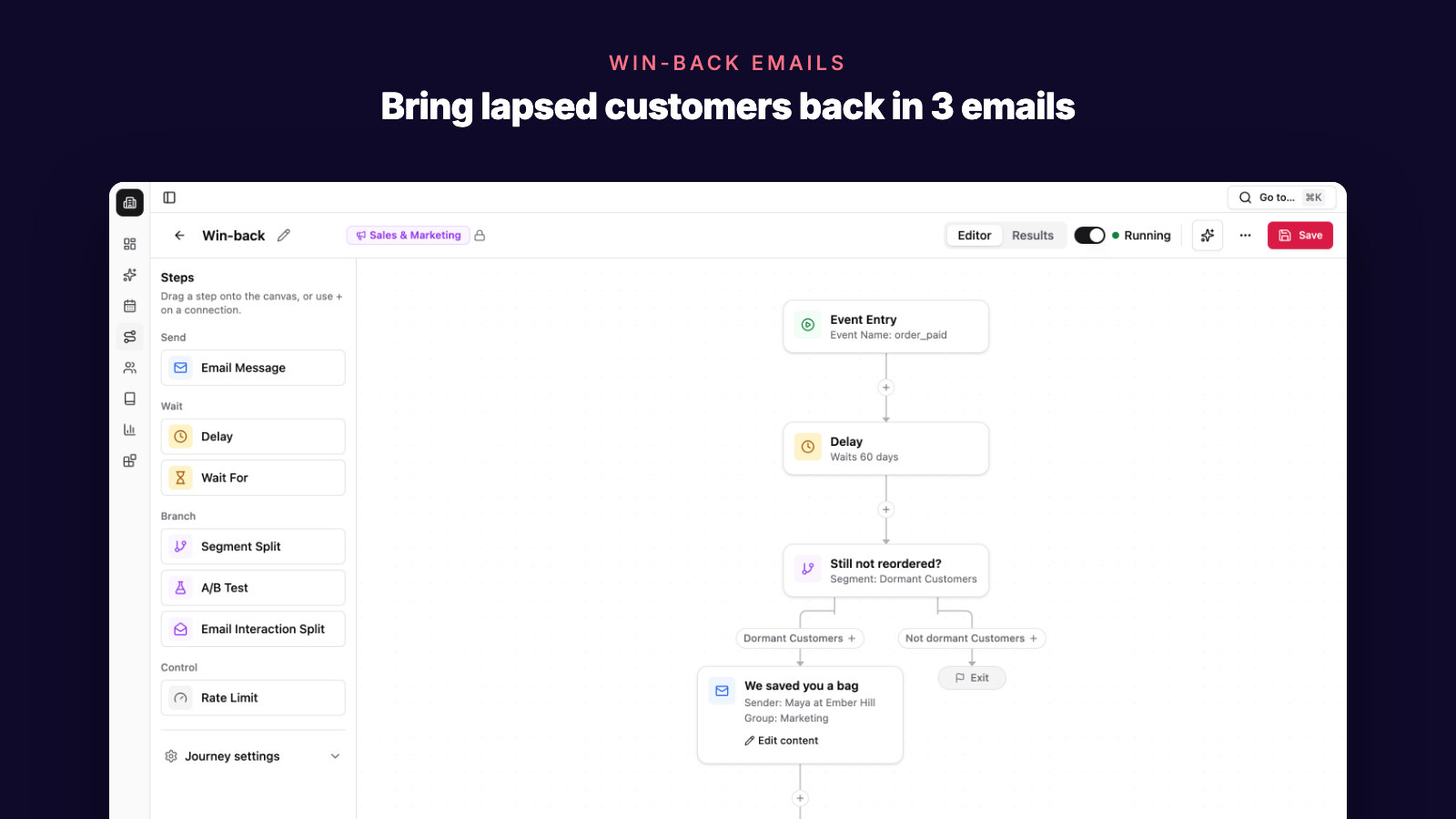
Shopify Win-Back Email Series: 3 Emails for Lapsed Buyers
A 3-email win-back series for Shopify and WooCommerce stores: who counts as lapsed, what each email says, whether to offer a discount, and when to stop.
Ecommerce Customer Segmentation: 6 Segments to Build First
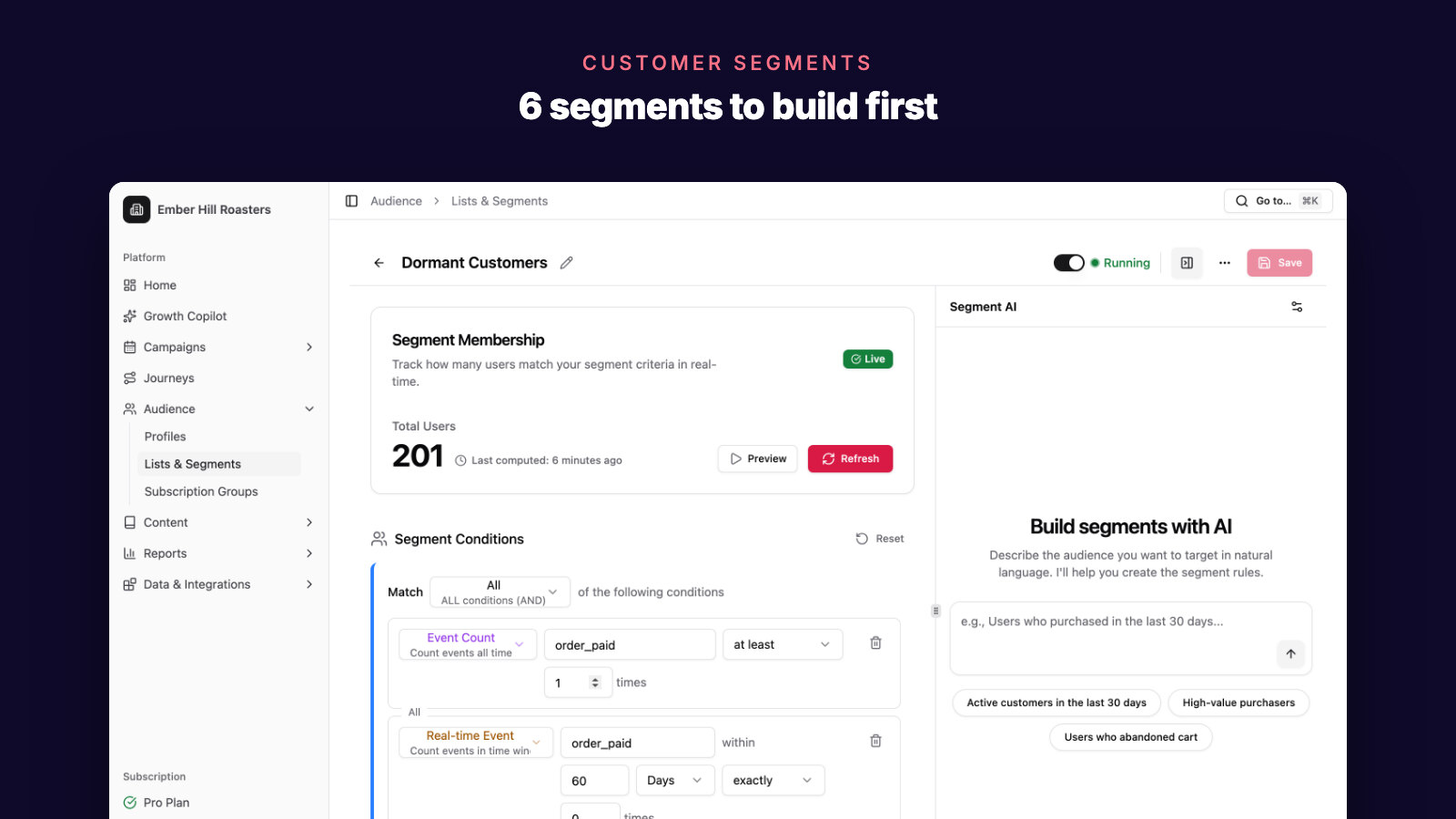
The six customer segments a Shopify or WooCommerce store should build first, how to define each from your own order data, and what to email each one.
5 Best Abandoned Cart Email Tools for Ecommerce in 2026
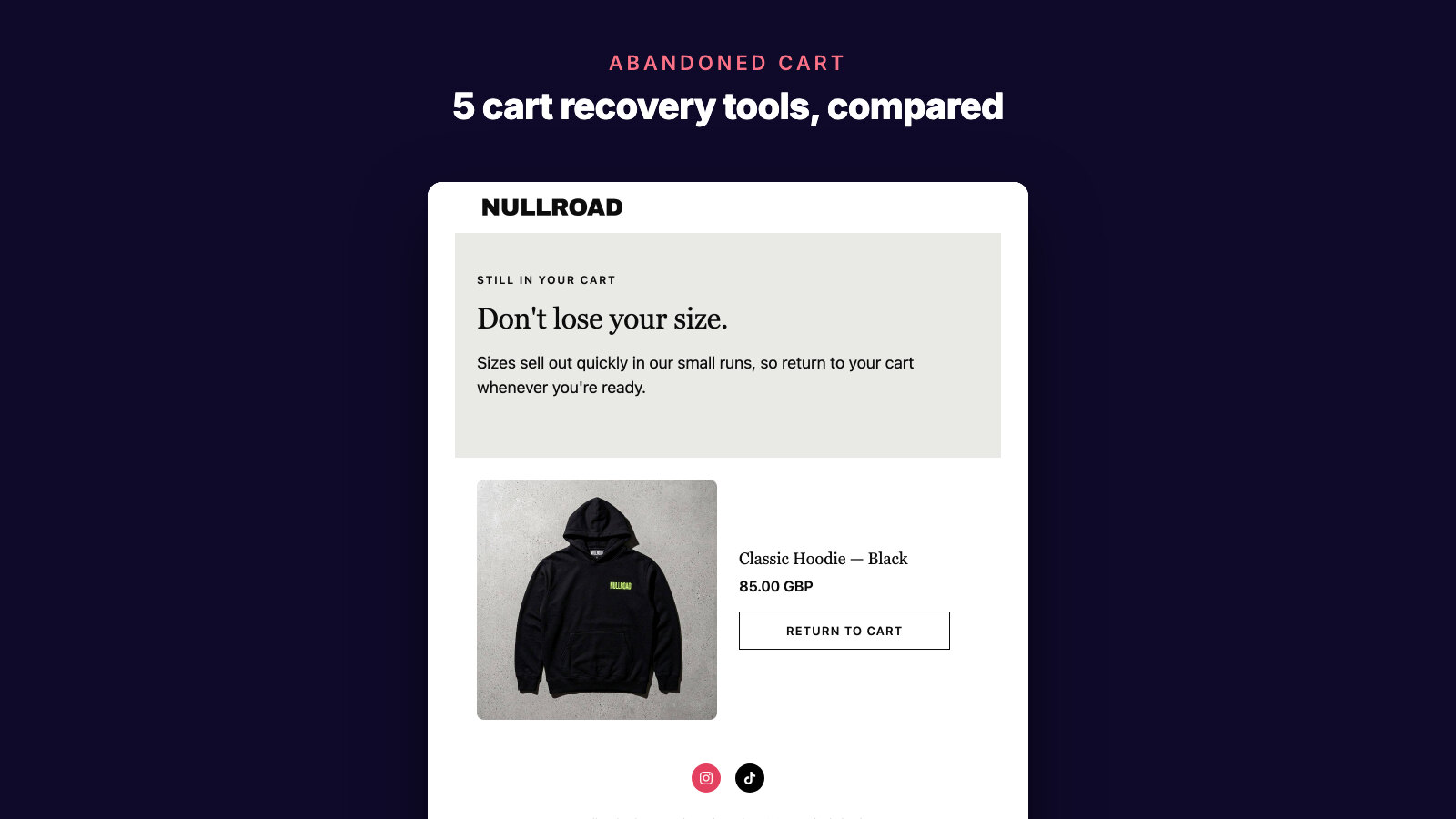
Compare the best abandoned cart email tools for ecommerce stores: AI recovery workflows, Shopify and WooCommerce data, discounts, segmentation, and revenue attribution.