Shopify Email vs Klaviyo: Which Should You Use?
Shopify Email (now Shopify Messaging) or Klaviyo? Compare pricing, flows, abandoned carts, segmentation, and setup for a small Shopify store.
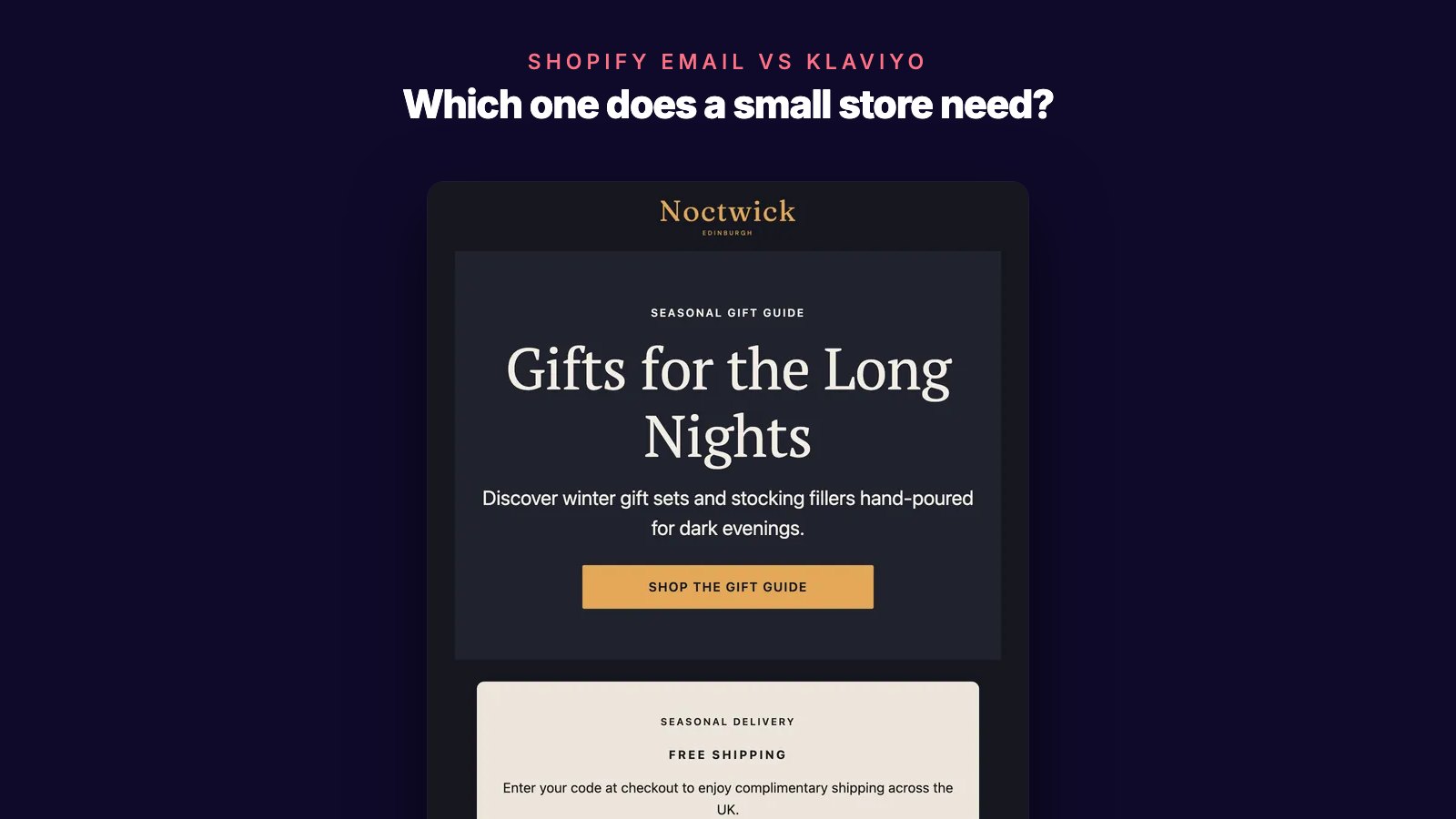
Shopify has its own email app, Shopify Email, that runs inside your admin. Then you keep hearing that you should move to Klaviyo. Maybe you opened a Klaviyo account, connected the store, and stopped somewhere around building flows.
First, a name change. Shopify Email is now called Shopify Messaging. Shopify's help center calls it "Shopify Messaging, formerly known as Shopify Email", and it now sends SMS and WhatsApp messages as well as email. This post keeps the name Shopify Email, the one you probably know. In your admin, it is under Apps > Messaging.
This comparison is for a founder who runs email alone or with a small team. It covers what each tool costs at your list size, which flows each one runs, and the signs that it is time to move.
Quick answer
Stay on Shopify Email while your email is newsletters, launches, and standard automations such as welcome, abandoned cart, win-back, and post-purchase. It runs inside your Shopify admin, and you pay for emails sent, with 10,000 free every month.
Move to Klaviyo when you will use its deeper tools: flows that split into different paths, A/B tests on campaigns and flows, adjustable revenue attribution, and predictions such as churn risk once you have enough order history. Klaviyo charges for every profile you can email, so budget for that, and for the time it takes to build and maintain flows.
At 1,000 subscribers getting 4 emails a month, that is $0 on Shopify Email and $30+ on Klaviyo (November 2026).
| Choose | When |
|---|---|
| Shopify Email | Your monthly emails mostly fit in the 10,000 free, and template automations cover the flows you need |
| Klaviyo | You or someone on your team will build branching flows and run tests every month, and the price fits revenue |
What is the main difference between Shopify Email and Klaviyo?
The main difference is what you pay for and how much you build.
Shopify Email is Shopify's own app. Campaigns go to Shopify customer segments, and automations are templates you turn on. You can change when a template sends. For a custom workflow, Shopify sends you to Shopify Flow, a free app that builds workflows from triggers, conditions, and actions. You pay for emails sent.
Klaviyo is a separate platform. Its Shopify integration brings your customer profiles and order data into Klaviyo, and with its app embed turned on it tracks product views and site activity. You can start from its library of pre-built flows or design your own, and a flow can split customers into different paths. You pay for active profiles: every contact you can email.
| Shopify Email (Shopify Messaging) | Klaviyo | |
|---|---|---|
| Where it runs | An app you install from the Shopify App Store, under Apps > Messaging | A separate platform, connected through Klaviyo's Shopify integration |
| Pricing model | Emails sent: 10,000 free a month, then $1 per 1,000 | Active profiles: free up to 250, Email plan from $20/month for 500 |
| Channels | Email, SMS, and WhatsApp | Email, SMS, and WhatsApp; SMS is an add-on on paid plans |
| Automations | Templates you turn on and edit when they send; custom workflows in Shopify Flow | 40+ pre-built flows; a flow can split into up to 20 paths |
| A/B testing | Not described in Shopify's Messaging help pages | Campaigns and flows, on paid plans |
| Segments | Order and email data, plus a predicted spend tier and RFM groups | Klaviyo segments, plus predictions such as churn risk |
| Reporting | Campaign and automation reports with orders and sales | Order attribution with windows you can change |
Prices are in USD, billed monthly, as listed in November 2026.
Both tools can run a store's email. The question is how much of Klaviyo's extra depth you will actually use.
Which one is easier to set up?
Shopify Email is easier to start, because it runs from the same admin as your store. Install Shopify Messaging from the Shopify App Store. To send a campaign, you pick a template, choose a segment, and send. To run an automation, you turn on a template such as Recover abandoned cart and adjust when it sends.
Klaviyo's Shopify setup guide, summarized:
- Disconnect any previous email provider from Shopify.
- In Klaviyo, go to Integrations, click Explore apps, and install Shopify.
- Enter your store URL in the mystore.myshopify.com format.
- Review the sync settings and click Connect to Shopify.
- Approve the permissions in Shopify, confirm the accounts, and click Integrate.
- Sync your Shopify email subscribers to a Klaviyo list.
- Choose what syncs back to Shopify.
- Turn on onsite tracking and the Klaviyo app embed in your Shopify theme.
Klaviyo warns that skipping the first step could send double opt-in emails to your existing subscribers. After the integration, you still build your sign-up forms and your flows.
Both tools ask you to set up your own sending domain. Shopify asks you to add its CNAME records for SPF and DKIM and a DMARC policy. Without them, Shopify sends from an address like [email protected]. Klaviyo starts most accounts on a shared sending domain and asks you to add DNS records for a branded one.
Is Shopify Email cheaper than Klaviyo?
For a small store, yes, by a wide margin. The two tools charge for different things.
Shopify Email charges for emails sent. Stores on the Basic, Grow, Advanced, and Plus plans get 10,000 free emails at the start of each month, then pay $1 per 1,000 extra emails on the Shopify bill. Automation emails count toward the 10,000. Abandoned checkout emails are always free, but abandoned cart and abandoned product browse emails count. Unused free emails don't carry over.
Klaviyo charges for active profiles. Its help center counts any profile that can be emailed, including someone who placed an order or abandoned a checkout without ever opting in. Profiles who never open still count until you suppress them. Unsubscribed and suppressed profiles don't count. A lower profile count doesn't lower your bill by itself unless auto-downgrade is turned on for your account. If your profiles outgrow your plan, Klaviyo may upgrade you at the next billing cycle.
Here is what each costs if every subscriber gets 4 emails a month. That rate is our assumption, not a benchmark. Klaviyo's Email plan includes 10 emails a month per active profile, so 4 fits inside it.
| Subscribers | Emails a month | Shopify Email | Klaviyo Email plan |
|---|---|---|---|
| 1,000 | 4,000 | $0 | $30+ |
| 5,000 | 20,000 | $10 | $100+ |
| 10,000 | 40,000 | $30 | $150+ |
Prices are in USD, billed monthly, as listed in November 2026. Klaviyo's prices carry a plus because its bill follows active profiles, which can be more than your subscriber count.
Price isn't the whole decision. If Klaviyo's extra tools earn your store more than the difference, it pays for itself. Only your own numbers can show that. For other tools' pricing, see our Shopify email marketing pricing guide.
Which is better for abandoned cart and other flows?
Shopify Email covers the standard flows. Its automation templates include:
- Convert abandoned product browse, Recover abandoned cart, and Recover abandoned checkout
- Welcome new subscribers with a discount email, or with a discount series
- Thank customers after they purchase, Upsell customers after their first purchase, and Win back customers
- Celebrate customer birthday and Welcome VIP customers
You can edit when each one sends. Shopify's automation help page doesn't mention conditions or branching inside these templates. For custom logic, you build a workflow in Shopify Flow. Automations send only to customers subscribed to marketing by default.
Klaviyo's flow library includes browse abandonment, abandoned cart, back in stock, welcome series, first purchase thank-you, winback, price drop, replenishment reminder, and review requests. A multi-branch split sends customers down different paths based on profile properties, past behavior, segment membership, location, predictions, or a random sample.
For abandoned carts, most of Klaviyo's pre-built flows start when a shopper begins checkout and enters contact details, and wait 4 hours before the first message. Klaviyo recommends 2–3 messages: the first 2–4 hours after checkout starts, the second 20–48 hours later, and an exit for anyone who places an order.
If your plan is a welcome series, an abandoned cart reminder, and a win-back email, Shopify's templates cover it. Our guides to a Shopify welcome email series and a win-back email series work with either tool. Klaviyo earns its price when you build the variations: one path for first-time buyers and another for repeat buyers, or a reminder timed to when your product runs out.
Which one is better for segmentation and reporting?
Shopify customer segments can filter on order count, last order date, products purchased, amount spent, email subscription status, abandoned checkout date, and email events. They also include a predicted spend tier (high, medium, or low) once your store has made more than 100 sales, and RFM groups such as Champions, Loyal, At risk, and Dormant. That is enough for recent buyers, repeat customers, lapsed customers, and VIPs. For a starting set, see the six customer segments to build first.
Klaviyo's predictions go further: predicted lifetime value, churn risk, and average time between orders. They appear only once your account has at least 500 customers who have ordered, 180 days of order history with orders in the last 30 days, and some customers with three or more orders. A new store won't see them for a while.
For reporting, Shopify's campaign reports show opens, clicks, deliveries, bounces, unsubscribes, and spam complaints, plus orders, sales, and average order value. By default, orders are credited with a last non-direct click model. Automation reports show reach, sessions, orders, conversion rate, and sales.
Klaviyo credits an order to an email when an open or click falls within its attribution window. New accounts start at 5 days for email opens and clicks, and you can change the window.
When should you switch from Shopify Email to Klaviyo?
Stay on Shopify Email when:
- your monthly emails mostly fit inside the 10,000 free
- campaigns and template automations cover what you send
- nobody on your team has time to build and check flows each month
Move to Klaviyo when:
- you want different flow paths for different customers, such as first-time and repeat buyers
- you want to A/B test subject lines or content and act on the results
- you have at least 500 ordering customers and 180 days of order history, so Klaviyo's predictions can appear
- you, or someone you hire, will work on email every week
What moving involves:
- Connect Shopify in Klaviyo and sync your subscribers to a list. The first sync doesn't send double opt-in emails or start welcome flows.
- Check the consent sync settings. Shopify unsubscribes reach Klaviyo only when "Sync unsubscribes to Klaviyo" is on. Klaviyo suppressions don't sync back to Shopify.
- Rebuild each automation as a Klaviyo flow, test it, then turn off the Shopify version. For abandoned checkout, Klaviyo says to turn off the Shopify automation right before you turn on its flow. Turning it off cancels any messages still waiting in it.
- Send your first few Klaviyo campaigns only to engaged subscribers, as Klaviyo's migration checklist advises.
If you want Klaviyo-style flows at a different price, compare the best Klaviyo alternatives for ecommerce before you move.
Example: a candle store with 2,000 subscribers
Hearthside Candles is a fictional store, used here as a teaching example. It is not a SegmentFlow customer. It has 2,000 email subscribers and sends one newsletter a week. It also runs a welcome series and an abandoned cart reminder. The store estimates about 300 welcome emails and 200 abandoned cart emails a month.
On Shopify Email:
- A month with 4 newsletters is 8,000 campaign emails. With the flows, that is 8,500 emails, all inside the 10,000 free. Cost: $0.
- A month with 5 newsletters is 10,000 campaign emails. With the flows, that is 10,500 emails, so 500 are charged. Cost: $0.50.
- If the reminder used the Recover abandoned checkout template instead, those emails wouldn't count at all.
- Setup: install Shopify Messaging, turn on two templates, and add the sending domain records.
On Klaviyo:
- 2,000 subscribers sit on the Email plan tier for up to 2,500 active profiles and 25,000 emails a month. Cost: $60+ a month.
- If checkout-only shoppers push the profile count above 2,500, the next tier is $70+.
- Setup: the integration steps above, the sending domain, sign-up forms, the two flows, and turning off each Shopify automation as its Klaviyo flow goes live.
Today, Shopify Email costs Hearthside $0 to $0.50 a month against $60+ for Klaviyo. For the two flows the store runs now, Shopify's templates already do the job.
Now say the owner wants two new flows. The first is a reorder reminder timed to how long a candle burns. The second is an abandoned cart path for repeat buyers that differs from the one for first-time shoppers. Klaviyo has a replenishment reminder template and a multi-branch split that can route customers by past behavior. Shopify's template list doesn't include a replenishment reminder, and Shopify points you to Shopify Flow to build one as a custom workflow.
If the owner will build and maintain those flows, that is the moment to price Klaviyo at the store's real profile count, including checkout-only shoppers, and compare it with the orders those flows could bring in.
Where does SegmentFlow fit?
Founders we interviewed named two problems: too many tools and too much setup time, and wanting more repeat purchases. For some stores, the bottleneck isn't the email tool's features. It is the time it takes to build segments, write emails, and set up flows.
SegmentFlow is email marketing for Shopify and WooCommerce stores. You describe a campaign in plain English, and SegmentFlow's AI drafts the audience, the emails, and a journey or broadcast from your products, customers, and orders. You review and approve it before anything sends, and it sometimes needs a follow-up prompt. Journeys can start on a signup, an abandoned cart, repeated product views, a first purchase, or a customer entering a segment such as lapsed buyers, and they can branch on conditions.
Pricing follows emails sent, and every plan includes unlimited contacts. The free plan includes 2,500 emails a month, and Starter is $19/month with 10,000 emails included. It has limits: it sends email only, it has no predictive analytics or campaign A/B tests, and it is an early-stage product with a smaller feature set than Klaviyo. See the full SegmentFlow vs Klaviyo comparison.
FAQ
Is Shopify Email the same as Shopify Messaging?
Yes. Shopify renamed Shopify Email to Shopify Messaging, which now sends SMS and WhatsApp messages as well as email. You install it from the Shopify App Store and open it from Apps > Messaging in your Shopify admin.
Is Klaviyo worth it for a small Shopify store?
It depends on whether you will use its deeper tools. With 1,000 subscribers getting 4 emails a month, Klaviyo's Email plan is $30+ a month, while Shopify Email is $0 (November 2026). Klaviyo is worth it when its branching flows and tests earn your store more than that difference.
Can I use Shopify Email and Klaviyo at the same time?
Both tools work from the same Shopify customer records, and Klaviyo can sync consent in both directions. Shopify unsubscribes reach Klaviyo only when "Sync unsubscribes to Klaviyo" is on, and Klaviyo suppressions don't reach Shopify. We found no Shopify or Klaviyo help page on running both for marketing at once (checked November 2026). Klaviyo documents only handing abandoned checkout emails over from Shopify. Our advice is to move one automation at a time and turn off each Shopify automation as its Klaviyo flow goes live, so customers don't get both.
Does Klaviyo charge for profiles who never open emails?
Yes, until you suppress them. Inactive profiles count toward your plan, while suppressed and unsubscribed profiles don't. Klaviyo suggests sending inactive profiles through a sunset flow before suppressing them. Your bill drops only if you choose a lower plan or have auto-downgrade turned on.
How hard is it to move from Shopify Email to Klaviyo?
You connect Shopify through Klaviyo's integration, and your subscribers and their consent sync over. The work is rebuilding each automation as a flow, testing it, and switching off the Shopify version. We found no Shopify or Klaviyo help page on moving email history or templates out of Shopify Messaging (checked November 2026), so plan to rebuild your templates.
Which is better for a brand-new store?
Shopify Email is usually the better start. Its 10,000 free emails a month cover a small list, while Klaviyo's free plan stops at 250 active profiles. Klaviyo's predictions also need 500 ordering customers and 180 days of orders, so a new store can't use them yet.
How to decide
Write down three things: how many profiles you could email, including checkout-only shoppers; how many emails you send in a month; and the flows you will actually run in the next three months. Price both tools with those numbers, then decide whether Klaviyo's extra depth is worth the difference.
If you are also weighing Mailchimp, read our Shopify Email vs Mailchimp comparison.
Related Posts
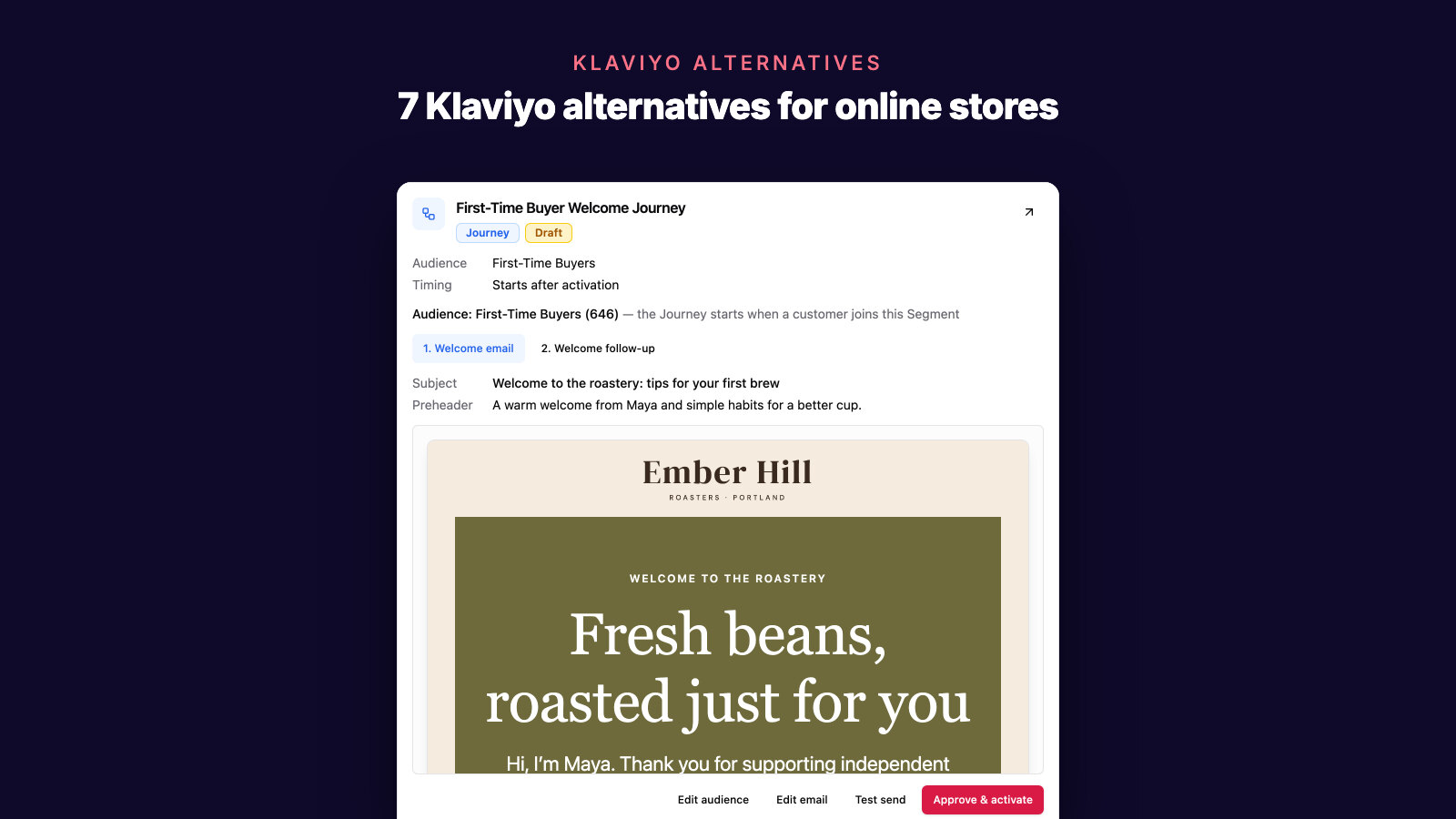
7 Best Klaviyo Alternatives for Ecommerce Email in 2026
Compare the best Klaviyo alternatives for ecommerce email marketing: AI campaign creation, Shopify and WooCommerce data, segmentation, automation, pricing, and revenue attribution.
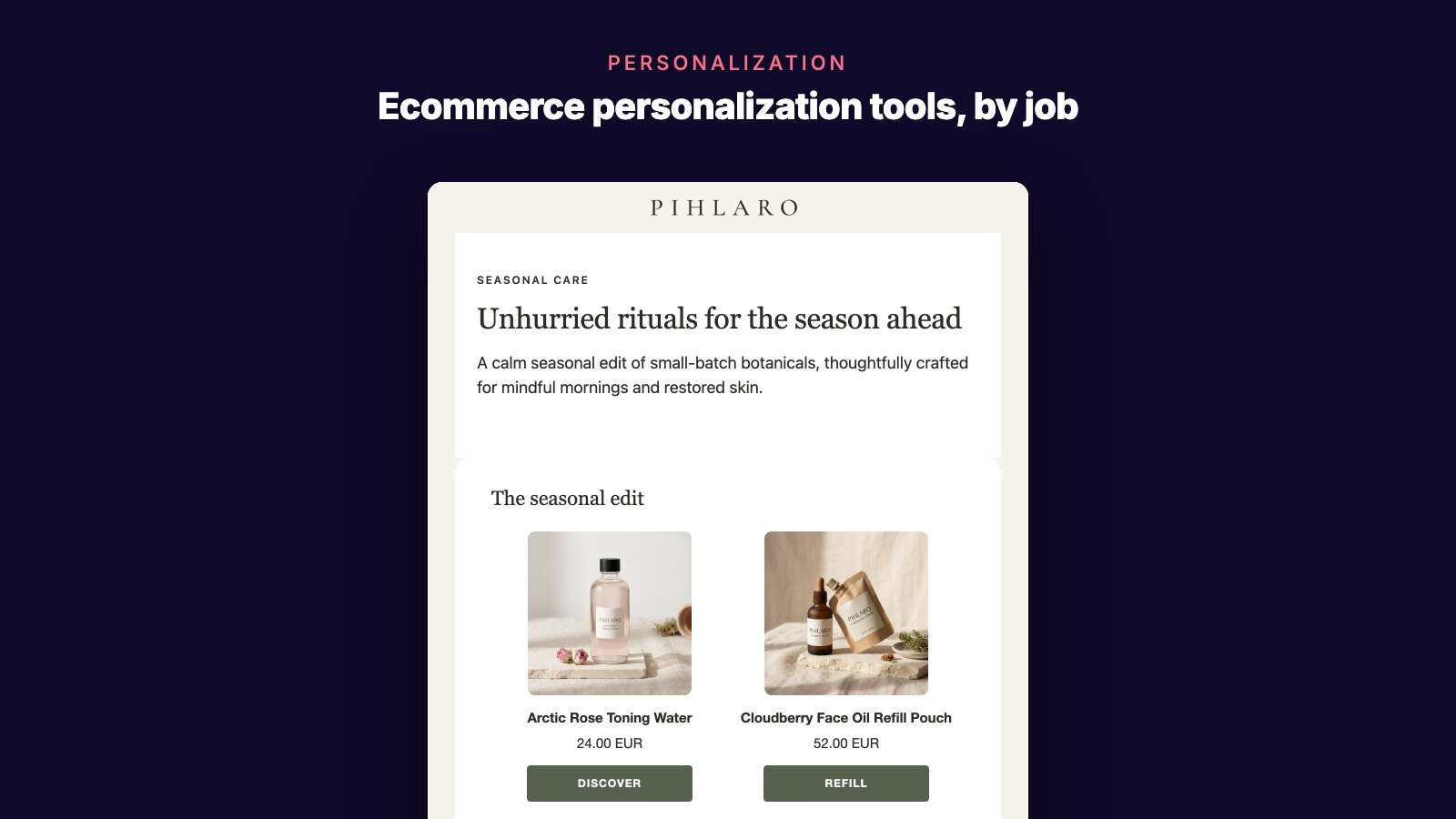
Best Ecommerce Personalization Tools: 2026 Guide
Compare 7 ecommerce personalization tools using a practical scorecard for customer data, setup, activation, Shopify fit, and measurable revenue impact.
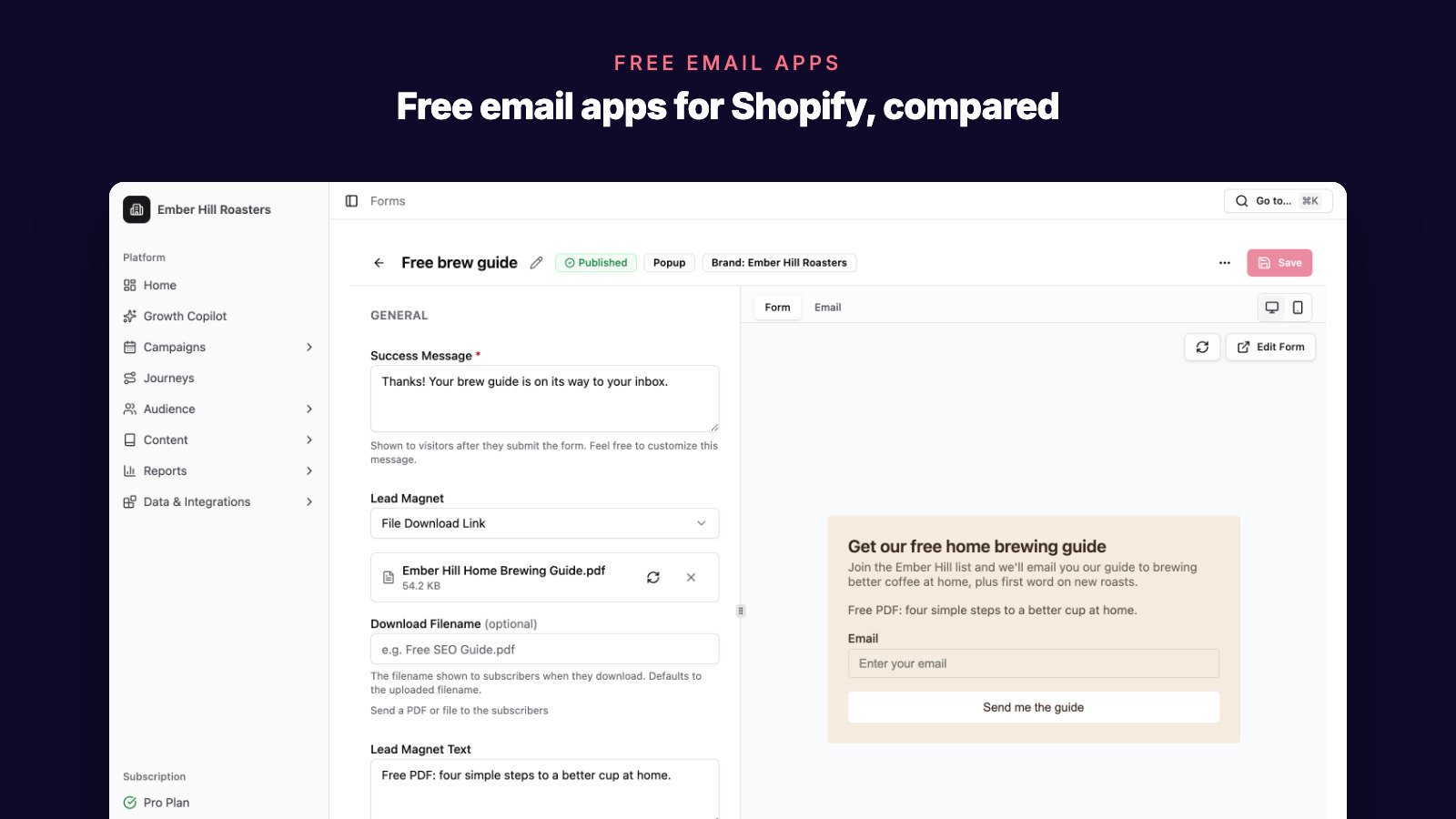
Best Free Email Marketing Apps for Shopify
Compare free Shopify email marketing apps for newsletters, popups, automations, SMS, segmentation, and ecommerce email growth.